

Why iPhone 7 and iPhone 6s Don’t Get iOS 16 or iOS 17 Anymore
If you’re still using an iPhone 7 or iPhone 6s and keep checking for iOS 16 or iOS 17, you’re not missing anything. Apple stopped major updates for these models, and that decision isn’t related to a bug or regional issue.
It comes down to age, hardware limits, and how Apple handles long-term support.
Key Takeaways
- iPhone 7 and iPhone 7 Plus do not support iOS 16 or iOS 17.
- iPhone 6s and iPhone 6s Plus also do not support iOS 16 or iOS 17.
- The latest supported version for these models is iOS 15.
- Apple has dropped support for both iOS and iOS 17 for these devices.
- No future major iOS versions are available for them.
- Upgrading your device is recommended for long-term performance, security, and app compatibility.
What Changed for iPhone 7 and 6s
Apple usually supports an iPhone with full iOS updates for around five to six years. The iPhone 6s launched in 2015, and the iPhone 7 followed in 2016. By the time iOS 16 arrived, both phones were already well past that window.
The processors inside these devices were never designed to handle newer system features, background security layers, and modern app frameworks. Pushing newer iOS versions would cause serious performance and battery problems.
The Last iOS Version These Phones Can Run
iPhone 6s / 6s Plus: iOS 15
iPhone 7 / 7 Plus: iOS 15
That’s the final major version. You won’t see iOS 16 or iOS 17 appear, even if storage space is available.
Are These Phones Still Safe to Use?
Apple still releases occasional security fixes for older versions like iOS 15, but they’re limited. Over time, more apps will stop supporting older iOS versions, and performance may continue to decline.
This is when users usually notice:
Slower app loading
Random freezes
Battery draining faster than before
Some performance improvements are possible. Clearing background activity and adjusting settings can help. Many of the steps used to fix iPhone lagging issues after iOS update also work on older iPhones.
Can iOS 16 or iOS 17 Be Installed Anyway?
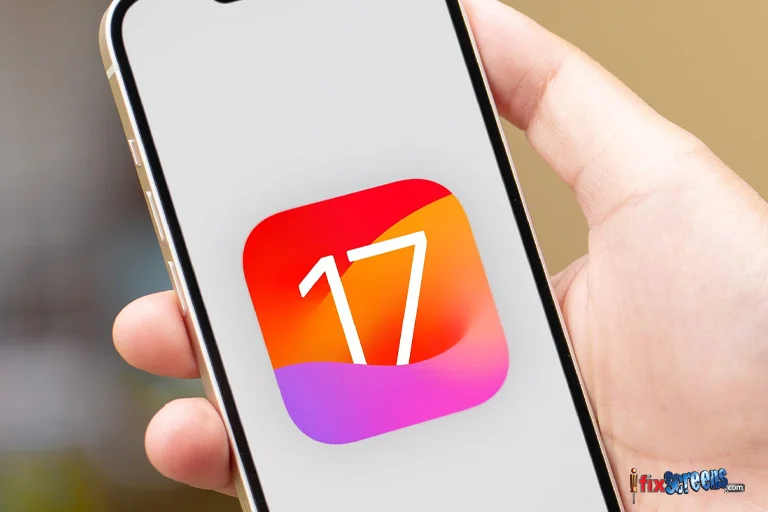
No - and it’s not recommended to try.
You may see tools or profiles claiming to “force” updates, but they usually lead to system crashes, boot loops, or data loss. Apple blocks unsupported devices at a hardware level.
What Makes Sense in 2026?
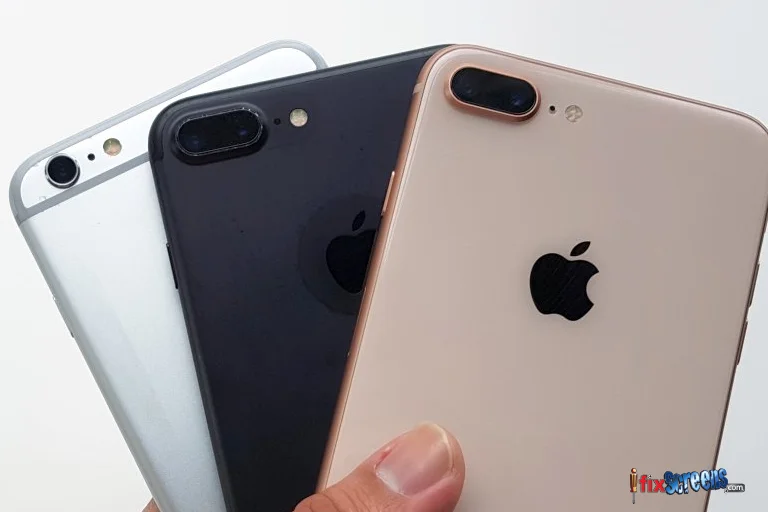
If your phone still meets your needs, staying on iOS 15 is fine for basic use. For many users, replacing the battery makes a noticeable difference, especially if battery health is low.
If apps are no longer compatible or performance affects daily use, upgrading to a newer iPhone becomes the practical choice.
A worn-out battery is often the main problem. In that case, an iPhone battery replacement service near you can extend the phone’s life without replacing the device.
Bottom Line
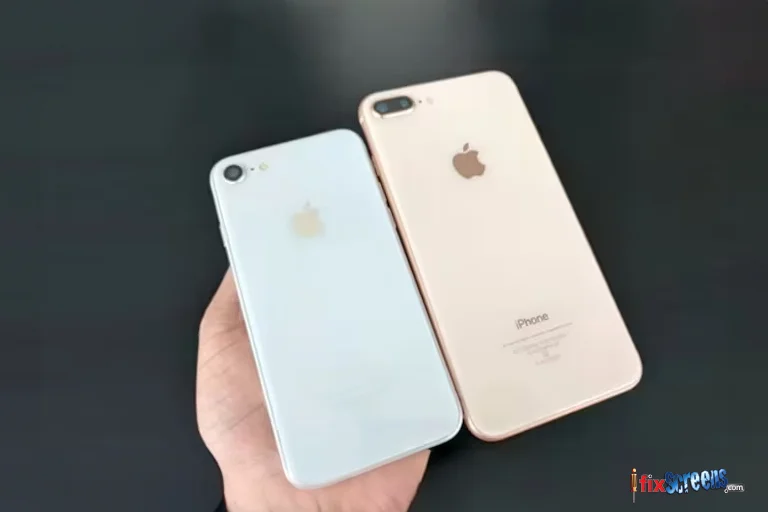
The iPhone 7 and 6s reached the end of major iOS updates naturally. They still work, but expectations need to be realistic. Security support is limited, apps will slowly drop compatibility, and performance won’t improve with time.
For light use, they’re fine. For anything more demanding, repairs or an upgrade are worth considering.
But if you start experiencing glitches or performance issues that a simple fix won't solve, visiting a trusted iPhone repair shop might be the answer. Search online for "iPhone repair near me" to find a reputable shop that can diagnose and fix your iPhone to keep it running smoothly.
FAQ's
Q. Can iPhone 7 or iPhone 6s be updated to iOS 16?
A. No. Apple does not support iOS 16 on iPhone 7 or iPhone 6s. These models are limited to iOS 15, and no workaround can change that.
Q. Will iPhone 7 or 6s get iOS 17 in the future?
A. No. Once Apple ends major update support for a device, it does not reverse that decision. iOS 17 is not compatible with these phones.
Q. Is iOS 15 still usable in 2026?
A. Yes, for basic tasks like calls, messaging, and light app use. However, some newer apps may no longer install or receive updates.
Q. Why does my iPhone 7 feel slower after updates?
A. As the hardware ages, newer app versions and background system processes put more strain on the processor and battery. This is normal for older devices.
Q. Can replacing the battery improve performance?
A. Yes. A weak battery can cause lag and unexpected shutdowns. Replacing it often restores smoother performance and better stability.
Q. Should I upgrade my iPhone 7 or 6s?
A. If you rely on newer apps, need better security, or experience frequent slowdowns, upgrading to a newer iPhone is the better long-term option.